
Creators often wonder if you can edit a podcast after publishing, and the short answer is yes. Most hosting platforms support full file replacement while the episode link, RSS entry, metadata, and analytics remain unchanged.
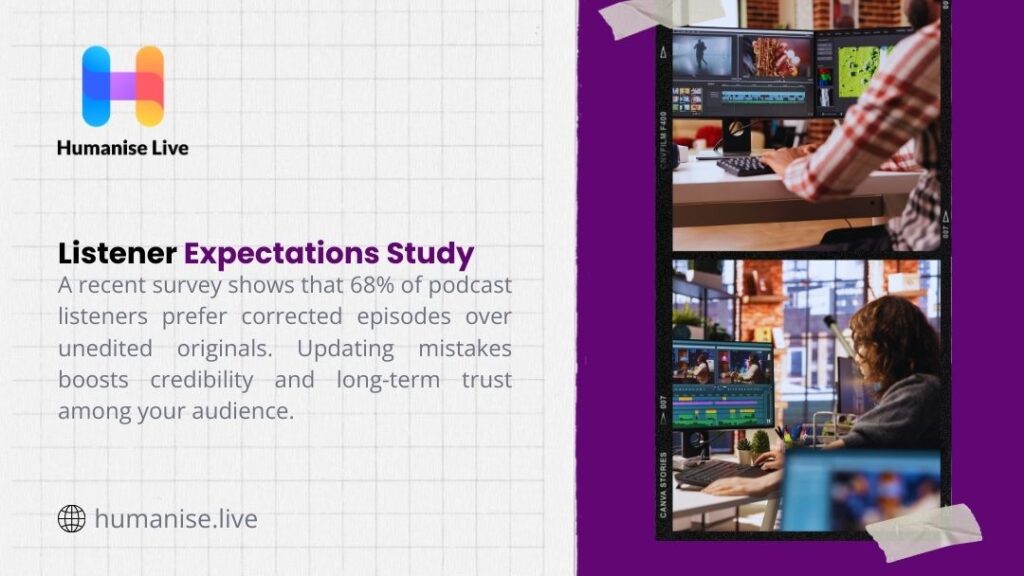
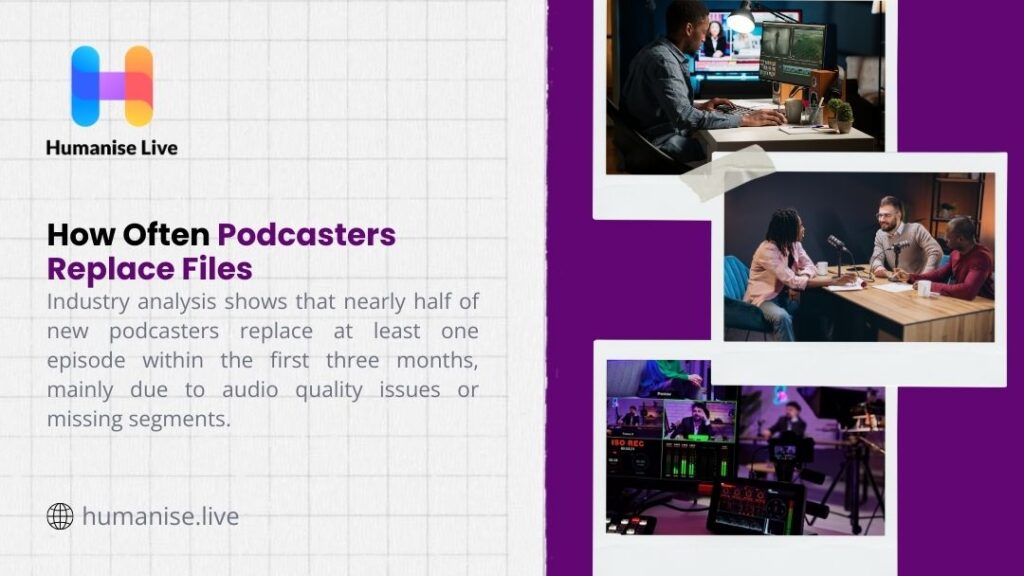
This gives podcasters freedom to correct audio mistakes, refresh metadata, update transcripts, or upload a new version without disrupting subscribers. Research across creator communities shows that many hosts revise at least one episode in their first year, and nearly half use file replacement to resolve early technical flaws.
With major listening apps updating revised audio within minutes, podcasters retain full control over previous releases with little friction. This guide lays out a complete post-production structure, practical editing tools, revision strategies, and professional support options for creators who want a stable and dependable workflow.
Can You Edit a Podcast After Publishing?
Many podcasters assume that once an episode goes live, nothing can be altered. In reality, can you edit a podcast after publishing? The simple answer: yes. Most hosting platforms allow full file replacement without changing the episode link, RSS entry, or performance data. A corrected version appears across all listening apps after a quick refresh, and subscribers access the updated file automatically.
This flexibility helps creators fix audio flaws, remove sensitive remarks, update references, and adjust structure with confidence. Brands rely on this capability to maintain consistent production standards, and independent hosts use it to refine early episodes as their skills develop. Because the entire history of the episode remains intact, updates carry no penalty in visibility or user experience.
What You Can Modify Without Touching the Audio File
Many creators search for can you edit a podcast after publishing because they think every correction requires a full audio overhaul. In reality, a wide range of elements stay open for updates without touching the underlying file.
Titles, episode summaries, guest credits, timestamps, external links, and SEO-focused descriptions all remain editable inside your hosting dashboard. If your transcript contains errors, you can replace it through services that specialise in fast, accurate text generation, such as a podcast transcription service. These changes push instantly through the RSS feed and help strengthen discoverability across listening apps. You can also revise cover art for a particular episode, refresh chapter markers, or adjust sponsor messages in the description. These updates add clarity for listeners and improve accessibility without any need for a new export. For creators who follow structured workflows or depend on guides such as how to edit a podcast, metadata updates become part of a consistent editorial routine.
How Revised Files Behave Across Hosting Platforms
A recurring concern behind can you edit a podcast after publishing is data preservation. When you replace a file rather than publish a second version, your analytics stay tied to the original entry. Listener counts remain accurate, and engagement data reflects the entire lifecycle of that episode. Below is a simple view of how platforms handle replacement files.
| Platform | File Replacement Allowed | Notes |
| Apple Podcasts | Yes | Syncs instantly with your hosting dashboard |
| Spotify | Yes | Updates appear within minutes |
| Podbean | Yes | Popular with beginners who revise early episodes |
| YouTube Podcasts | Yes | Managed inside YouTube Studio |
| Libsyn | Yes | Long-established support for updates |
Creators who want long-term control usually use guided workflows from resources such as how to edit a podcast, because structure reduces the number of post-publish fixes required.
A Full Structure That Supports Your Post-Production Workflow
A strong post-production pathway reduces the amount of rework needed after release. The steps below give a refined structure that supports cleaner edits, fewer errors, and easier updates if future revisions are needed.
Stage 1: Podcast Editing Basics
1: Define the length of your podcast episodes
Before you record, set a firm duration that fits your format. A consistent length keeps your pacing controlled and trains your audience to expect a certain runtime. Many successful shows follow a predictable window because it builds listening habits.
2: Cut your podcast and sequence it
After recording, place your segments in a smooth order. Remove sections that drift from your core message, reposition stronger moments upfront, and create a logical flow that supports listener attention.
3: Remove filler words, silences, and fluff
Eliminate long pauses, repeated phrases, background distractions, and unnecessary commentary. This step often shapes the tone of the entire episode and prevents listeners from abandoning early sections.
Stage 2: Sound Design
4: Create a memorable intro and outro
Your show’s opening and closing moments become its identity. A strong introduction sets context swiftly, and a clean outro lets you guide users toward future episodes or related resources.
5: Add music to your podcast to set the mood
Music influences listener perception from the first seconds. Subtle, licensed tracks reinforce tone without overpowering your voice, and strategic placement helps transitions feel deliberate.
6: Enhance your podcast with sound effects
Light effects support storytelling when applied thoughtfully. They bring attention to key statements, guide transitions, or create emphasis during narrative moments.

Stage 3: Audio Editing and Mixing
7: Edit your podcast audio
Here you refine tone, remove harsh frequencies, balance voices, adjust volumes, add EQ, manage compression, and smooth harsh sibilants. This step heavily affects how polished the final product feels and directly impacts listener retention. Many creators who reach this stage for the first time look for steady systems that match the precision found in podcast audio editing workflows.
Stage 4: Mastering
Mastering sits at the tail end of the process. You align overall loudness with industry norms, refine clarity, standardise dynamic range, and export a file that behaves consistently across headphones, speakers, car stereos, and smart devices. This is where the episode gains its final professional edge.
Stage 5: Final Video Edits (Optional)
Creators who release visual versions on platforms such as YouTube often add a final video pass. This step includes colour balance, title overlays, smooth cuts, and clean transitions. It becomes even more vital for brands that want reliable output across both audio and video channels, and many creators lean on resources such as podcast video editing when they want studio-grade polish.
The Best Software for Podcast Editors
Many users ask which programs work best once they learn can you edit a podcast after publishing. Different tools suit different skill levels. Below is a compact comparison table.
| Software | Skill Level | Notes |
| Audacity | Beginner | Free podcast editing software suitable for basic cuts |
| Adobe Audition | Intermediate–Advanced | Strong tools for mixing, EQ, and clean dialogue |
| Reaper | Intermediate | Low cost with deep audio control |
| Logic Pro | Advanced | Favoured by creators who want precision |
| Riverside | Beginner–Intermediate | Popular for remote capture and revision features |
| DaVinci Resolve | Video Editors | Ideal for those who cut video podcasts |
Creators who value clarity often explore podcast audio editing or podcast video editing support when they want a more polished outcome than software presets provide.
Practical Advice From Common Editing Workflows
Many creators who worry about can you edit a podcast after publishing eventually discover that consistent habits make the entire workflow easier. Stable organisation helps from day one.
Keeping raw files labelled and stored in clear folders saves time when revisions are required. A steady microphone distance reduces tone variation, and light equalisation early in the process prevents overcorrection later.
Editors often avoid heavy compression because it flattens natural character in the voice, and they use room tone to mask unavoidable gaps. Noise reduction works best when applied sparingly, since aggressive settings introduce distortion.
After all edits are complete, a full, uninterrupted listen helps catch pacing issues or overlooked clicks that automated tools never detect. Finally, a controlled export bitrate protects quality across platforms and reduces the chance of audio degradation once your host distributes the feed. Those who want extra support often explore local specialists, such as a podcast agency Birmingham, a podcast agency London, or a podcast agency Manchester, where experienced editors handle this entire chain.
A Strong Wrap-Up for Podcasters Ready to Refine Their Entire Workflow
With the ability to replace files, revise descriptions, correct transcripts, and update visuals, can you edit a podcast after publishing becomes a practical and reassuring reality for creators at every level.
You stay in control of your catalogue, protect episode quality, and maintain your analytics without risking disruption. If you want a team that delivers dependable results across editing, mixing, mastering, and distribution, Humanise Live offers expert support across all stages.
Their dedicated podcast editing services and broader podcast production solutions help creators build a workflow that stays consistent from the first draft to the final release. A well-managed system protects every episode you publish and sets the stage for a stronger show moving forward.
